

Range Request Configuration
Range Request Configuration allows Security CDN edge nodes to include the Range header in origin fetch requests. When the origin server receives the request, it returns only the specified data range. This enables partial caching, on-demand fetching, improved cache hit ratio, and faster response times.
Note: Please ensure that your origin server supports Range requests. Otherwise, enabling Range Request Configuration may result in incorrect caching or access errors.
Configuration Modes
| Status | Description |
|---|---|
| Disabled | Regardless of whether the client sends Range requests to the edge node, the edge node always fetches the entire file from the origin. |
| Enabled | When enabled, if the client sends Range requests to the edge node, the edge node will fetch the requested ranges from the origin. |
Configuration Guide
Log in to the Security CDN console.
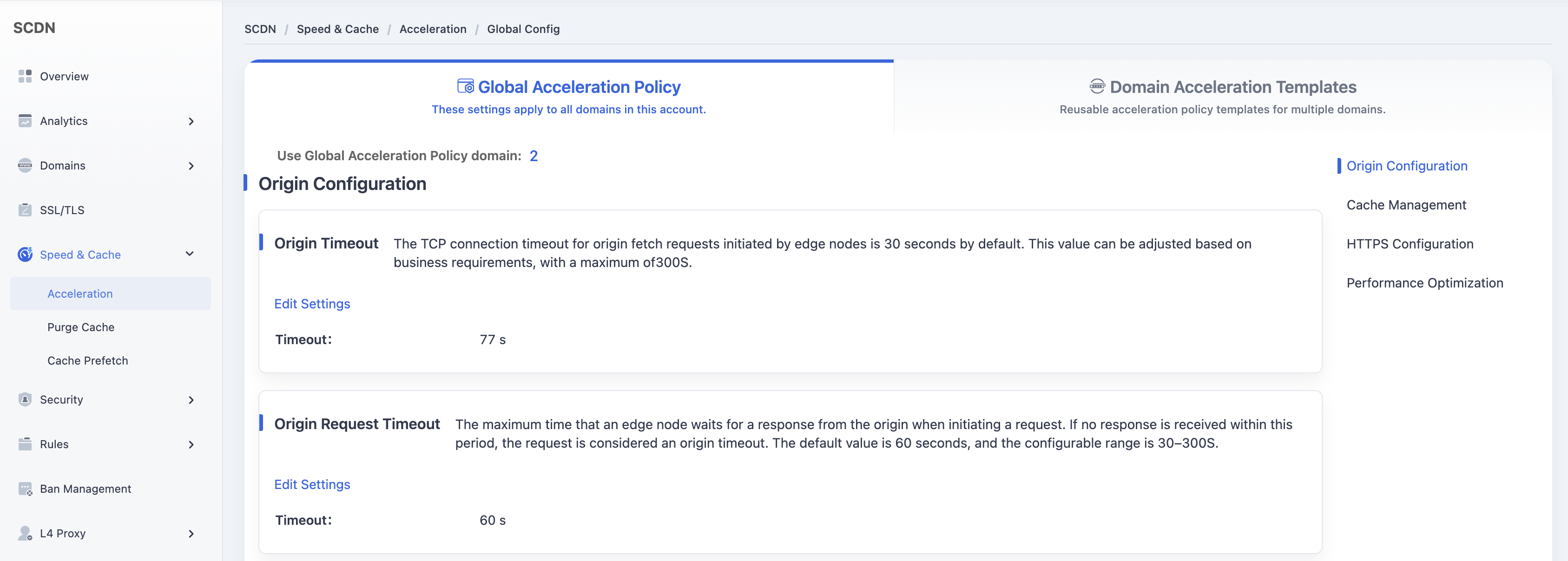
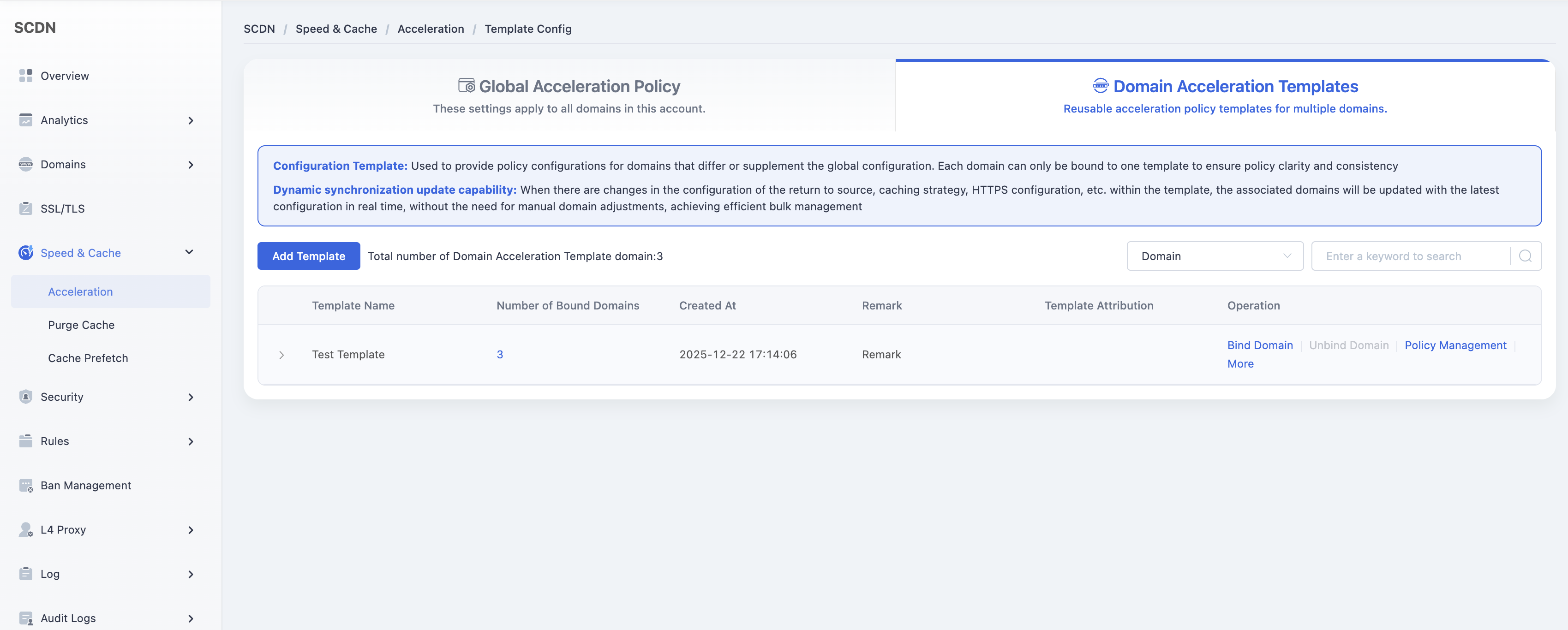
In the left navigation pane, go to Speed & Cache > Acceleration, then open the Domain Acceleration Template page.
Select the desired template and click Policy Management.
Under Origin Settings > Range Request Configuration, toggle the switch to Enable.

A confirmation dialog will appear. Click Confirm to save the configuration for the selected template.
Need help? Contact our support team at support@edgenext.com.
Back to documentation home