

Enable Keep-Alive
Enable Keep-Alive controls whether edge nodes reuse existing TCP connections when communicating with the origin server.
When enabled, an edge node does not immediately close the connection to the origin server after completing an origin request. Instead, the connection is retained in a connection pool. If subsequent requests meet the connection reuse criteria, the existing connection can be reused directly without re-establishing a TCP connection or performing a TLS handshake, thereby reducing origin fetch latency and minimizing connection overhead on the origin server.
By default, connection reuse is matched based on Origin IP + Port + Custom Content. A connection can only be reused when all matching conditions are identical.
Use Cases
1. High-Concurrency Workloads
For high-concurrency scenarios such as static content delivery and API services, a large number of requests may frequently access the origin server. Enabling keep-alive connections reduces the number of TCP connection establishments and lowers origin fetch latency.
2. HTTPS Origin Fetching
HTTPS origin requests require TLS handshakes, which introduce additional connection setup overhead. Reusing existing secure connections can significantly reduce handshake costs and improve origin fetch efficiency.
3. Limited Origin Connection Resources
Frequently establishing and closing connections consumes CPU, memory, and network resources on the origin server. Enabling keep-alive connections helps reduce connection management overhead and resource consumption.
4. Low-Latency Applications
For latency-sensitive services such as APIs and dynamic applications, keep-alive connections can reduce connection establishment time and improve overall response performance.
How It Works
When an edge node initiates an origin request:
- The system checks whether a reusable connection exists in the connection pool.
- The system verifies whether the Origin IP, port, and custom content match the current request.
- If a matching connection is found, the existing connection is reused directly.
- If no matching connection is found, a new TCP connection is established.
- After the request is completed, the connection remains in the connection pool for future reuse.
Configuration Guide
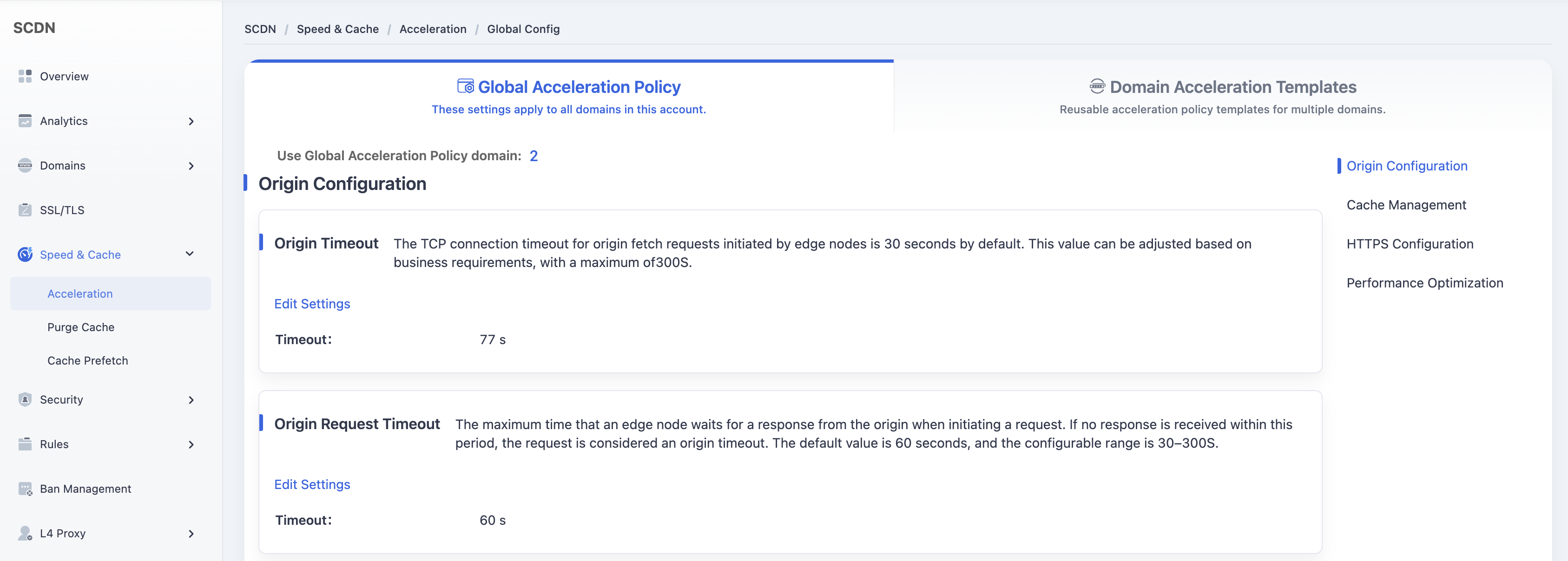
Log in to the Security CDN Console. In the left navigation pane, choose Speed & Cache > Domain Acceleration to enter the Global Acceleration Policy page.
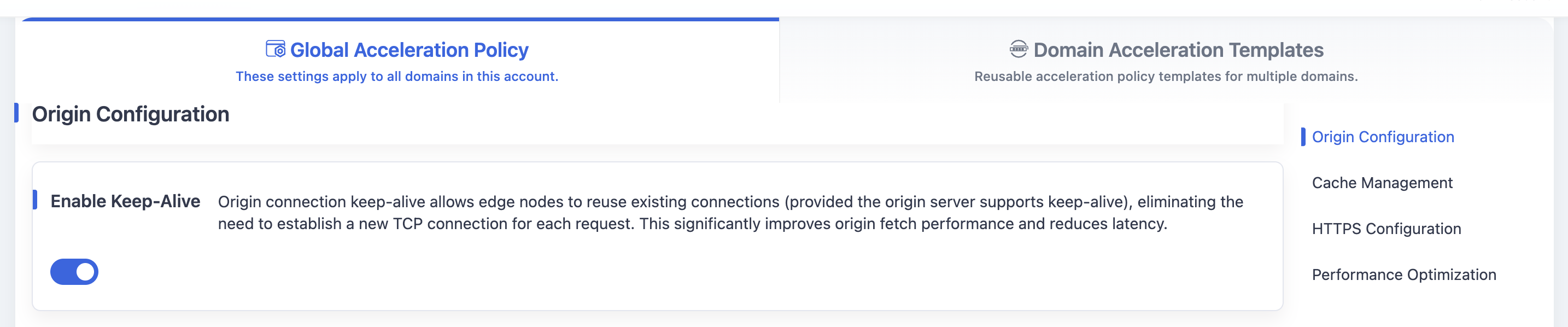
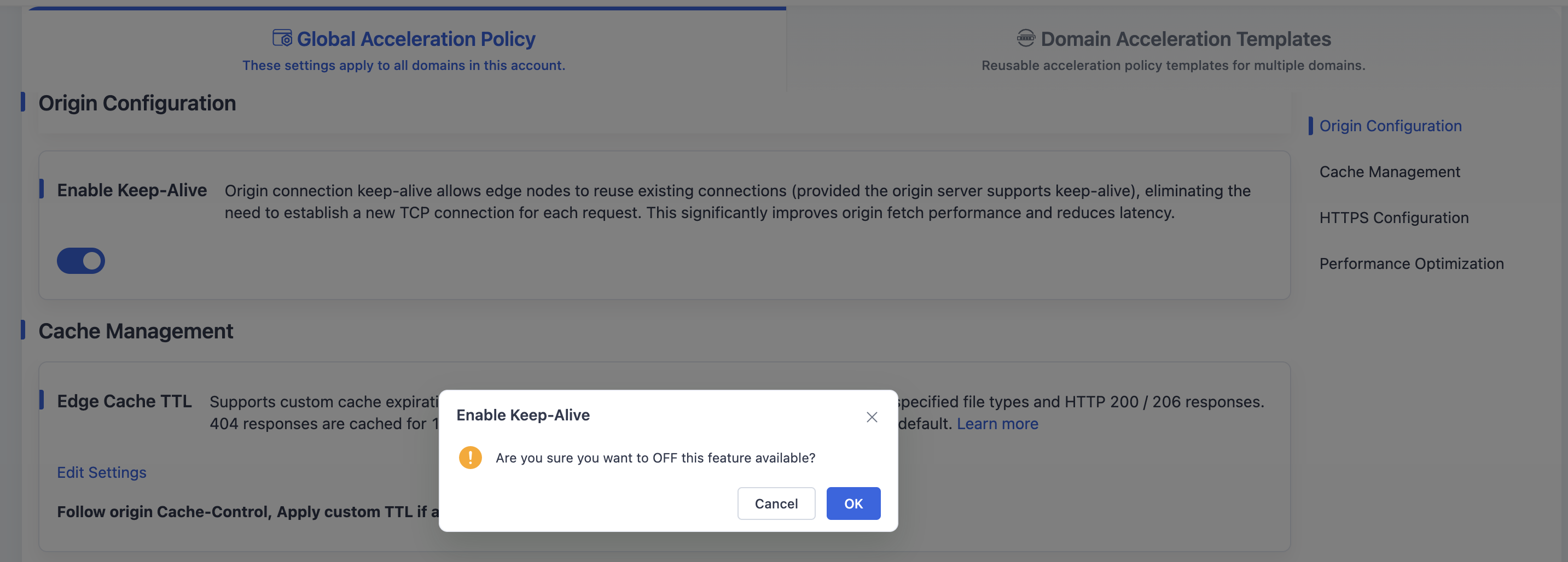
Navigate to Origin Configuration > Enable Keep-Alive. It is enabled by default. A secondary confirmation window will pop up when you switch it to "Disable".
Click Confirm to save the Enable Keep-Alive configuration for the current template.
Need help? Contact our support team at support@edgenext.com.
Back to documentation home