

Origin Protection
Origin Protection helps prevent origin servers from being overwhelmed by excessive origin fetch requests in a short period. It sets a maximum request threshold based on the origin server's capacity. When the number of origin fetch requests exceeds the configured limit within a given time window, edge nodes will drop the excessive requests to ensure origin stability and business continuity.
Note: The request count refers to the number of requests from a single edge node IP, not the global count. Please verify your normal business traffic before setting the threshold to avoid unintended disruptions.
Configuration Guide
Scenario 1: Global Acceleration Policy
Log in to the Security CDN console.
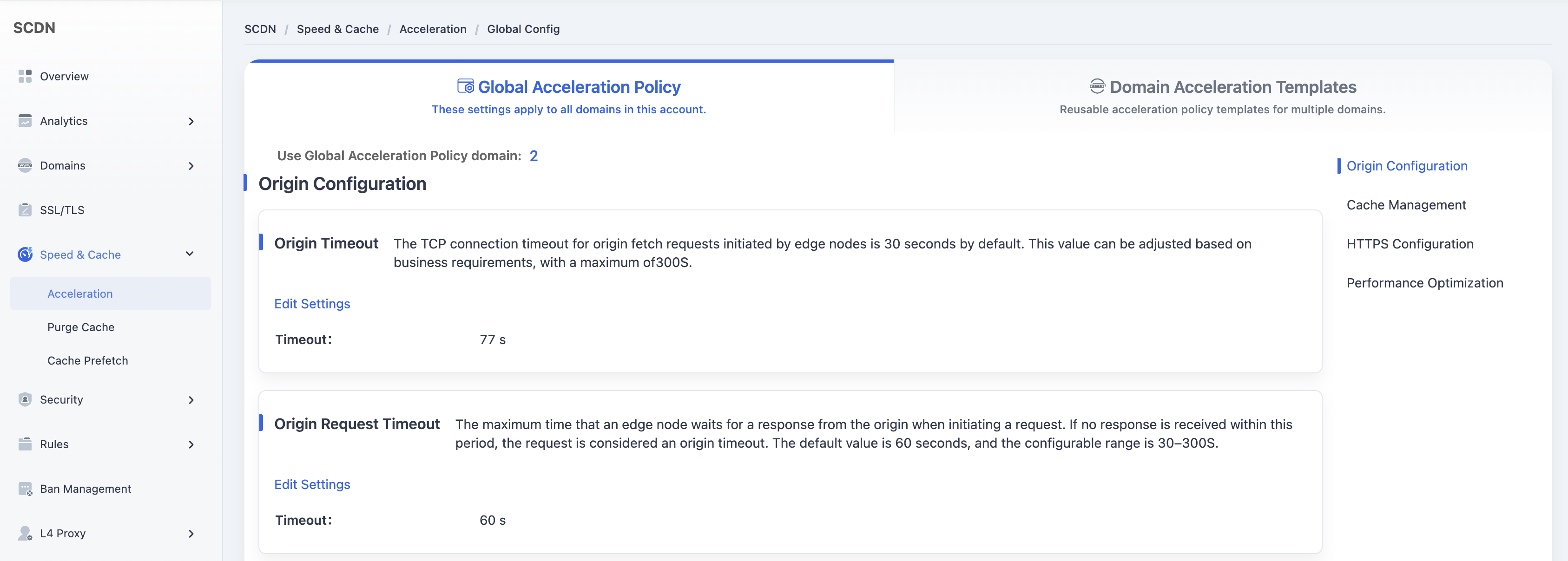
In the left navigation pane, go to Speed & Cache > Acceleration to access the Global Acceleration Policy page.
Under Origin Settings > Origin Protection, toggle the switch to enable the feature.
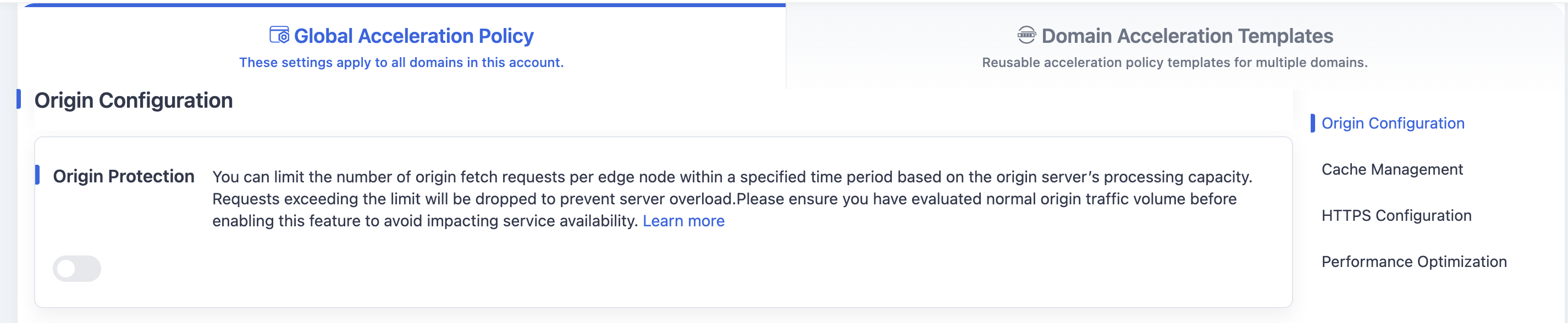
A configuration dialog will appear with the default rate limit set to 1,000 requests per 10 seconds.
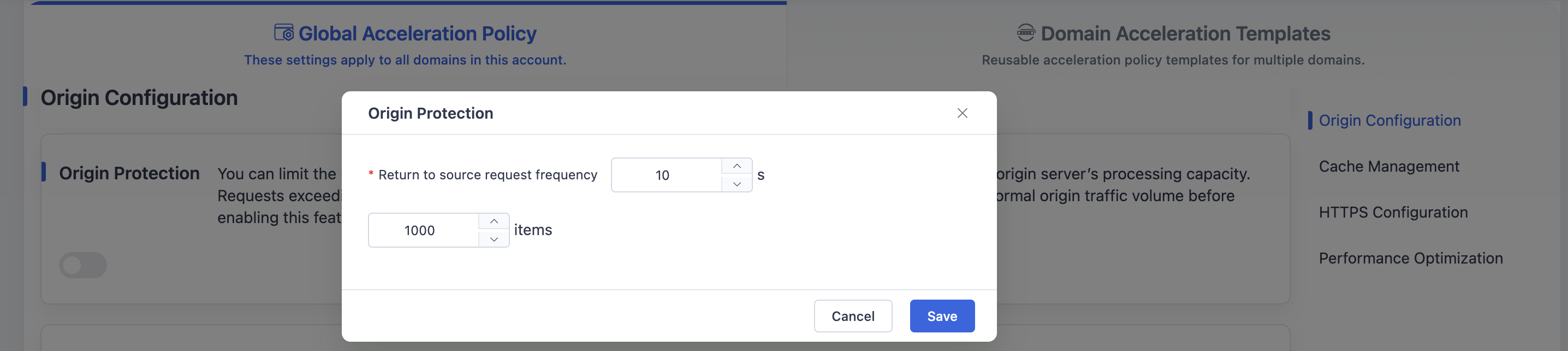
Modify the request rate as needed and click Save to apply the global configuration.
Scenario 2: Domain Acceleration Template
Log in to the Security CDN console.
In the left navigation pane, go to Speed & Cache > Acceleration to access the Global Acceleration Policy page.
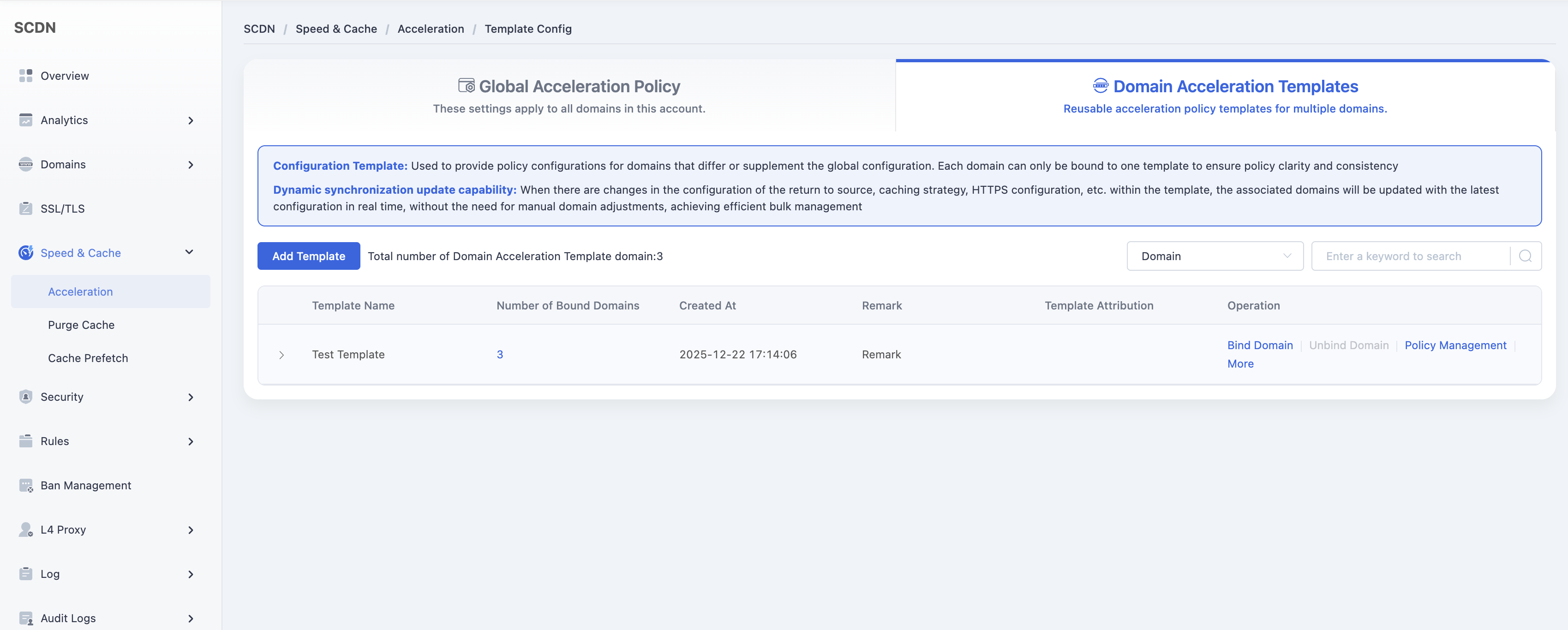
Click Domain Acceleration Template at the top to open the Template Management page.
Select the desired template and click Policy Management.
Under Origin Settings > Origin Protection, toggle the switch to enable the feature.

A configuration dialog will appear with the default rate limit set to 1,000 requests per 10 seconds.
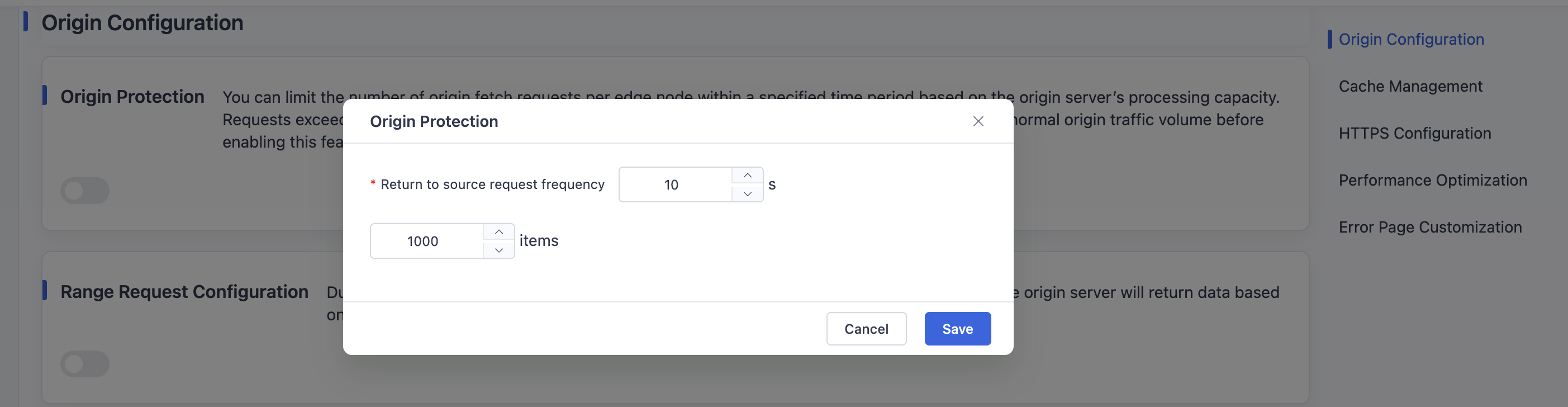
Modify the request rate as needed and click Save to update the configuration for the selected template.
Need help? Contact our support team at support@edgenext.com.
Back to documentation home