

Sort Query String
In Cache Management, when Query String Sorting is enabled, the system will sort the query string parameters in the URL by parameter name during cache key calculation. This ensures that requests with the same parameters but in different orders hit the same cached resource, thereby improving cache hit ratio.
Feature Benefits
- Increase Cache Hit Rate: Normalizes requests with different parameter orders but identical semantics to avoid duplicate caching.
- Simplify Cache Logic: Prevents redundant cache entries caused by different query parameter orders.
- Applicable Scenarios: Suitable for cases where parameter order does not affect resource content(e.g., ?id=123&type=img and ?type=img&id=123 access the same resource).
How to Configure
Log in to the Security CDN Console.
In the left sidebar, navigate to Speed & Cache > Acceleration.
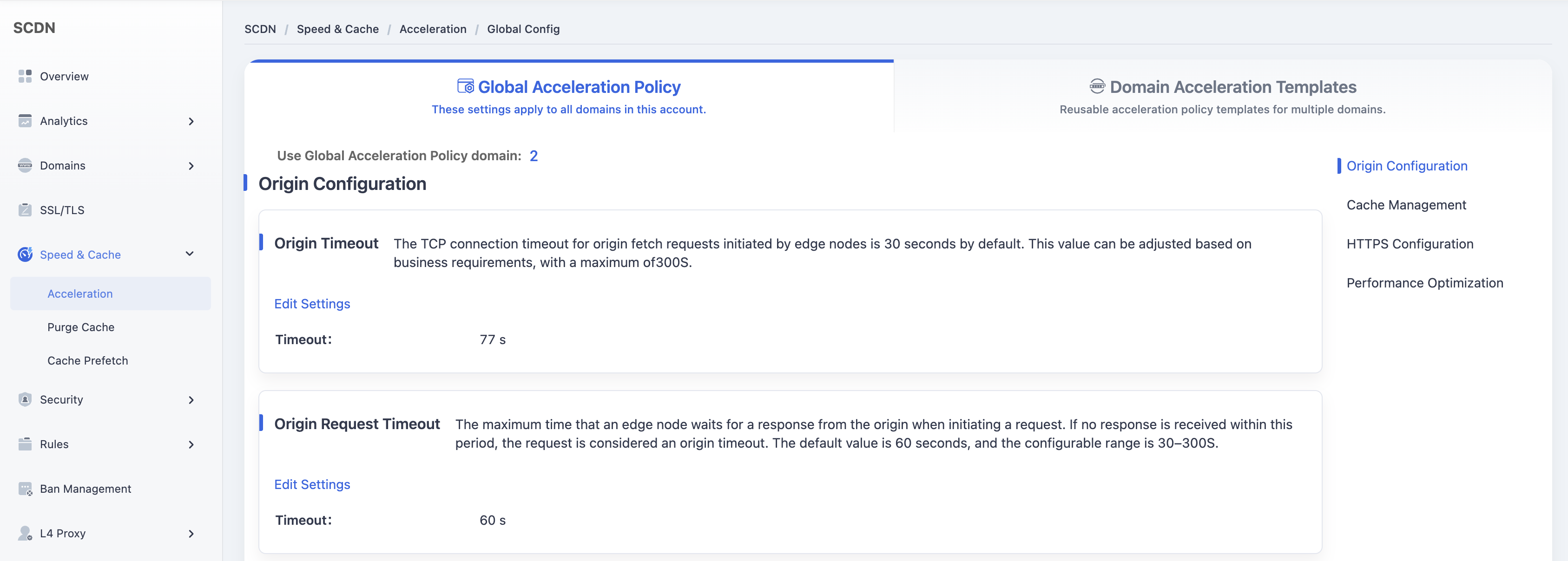
On the Global Acceleration Policy page, scroll down and locate the Query String Sorting module under Cache Management.

The system default setting is OFF (query strings are not sorted).
Click the toggle switch to change the setting. A secondary confirmation dialog will pop up to confirm the operation.
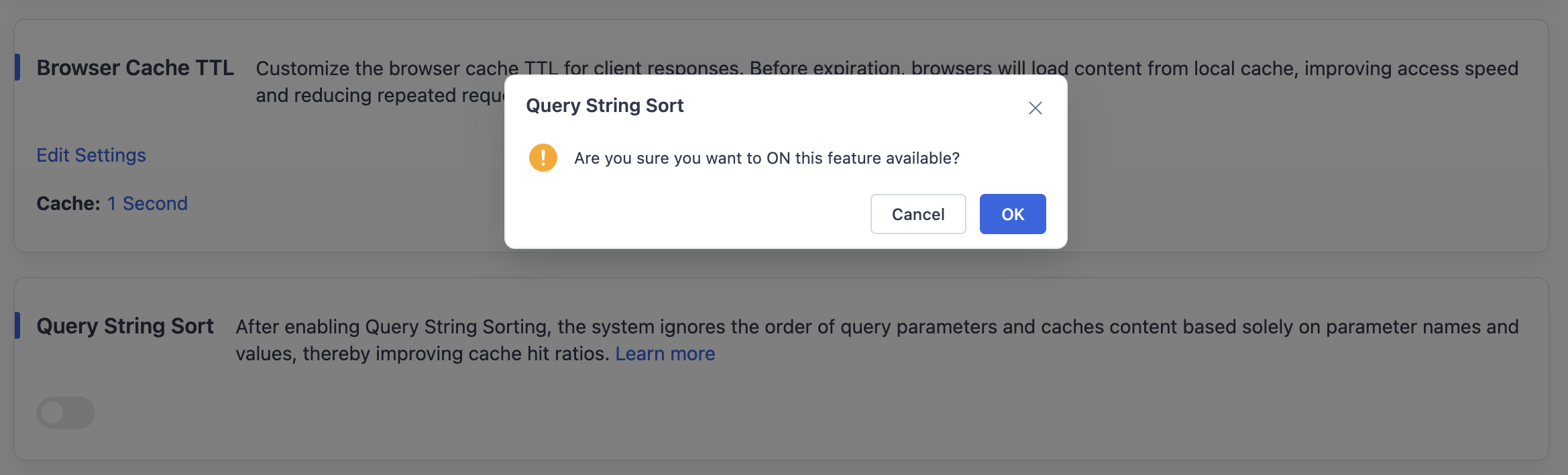
Click OK to enable Query String Sorting and save it as the global configuration for all accelerated domains.
Need help? Contact our support team at support@edgenext.com.
Back to documentation home