

Retain or Ignore Cookies
Control whether the Cookie field in HTTP requests is used when generating the cache key and determining cache hits in Security CDN. Proper configuration can help improve cache hit ratios, reduce redundant resources, and lower origin traffic pressure.
Configuration Options
| Option | Description | Recommended Use Case |
|---|---|---|
| Retain All | All cookies are included in cache key generation. Requests with different cookies are treated as unique. | When response content depends on all cookie values, or when precise caching is required. |
| Ignore All | All cookies are excluded from the cache key. All requests, regardless of cookie values, share the same cache. | When cookies do not affect the response, or to maximize cache hits. |
| Retain Specified Cookies | Only specified cookie names are included in the cache key; others are ignored. | When only certain cookie values affect the response. |
| Ignore Specified Cookies | All cookies participate in cache key generation except those explicitly ignored. | When certain cookies have no effect on the response content. |
How to Configure
Log in to the Security CDN Console.
In the left navigation panel, go to Speed & Cache > Acceleration, and open the Global Configuration page.
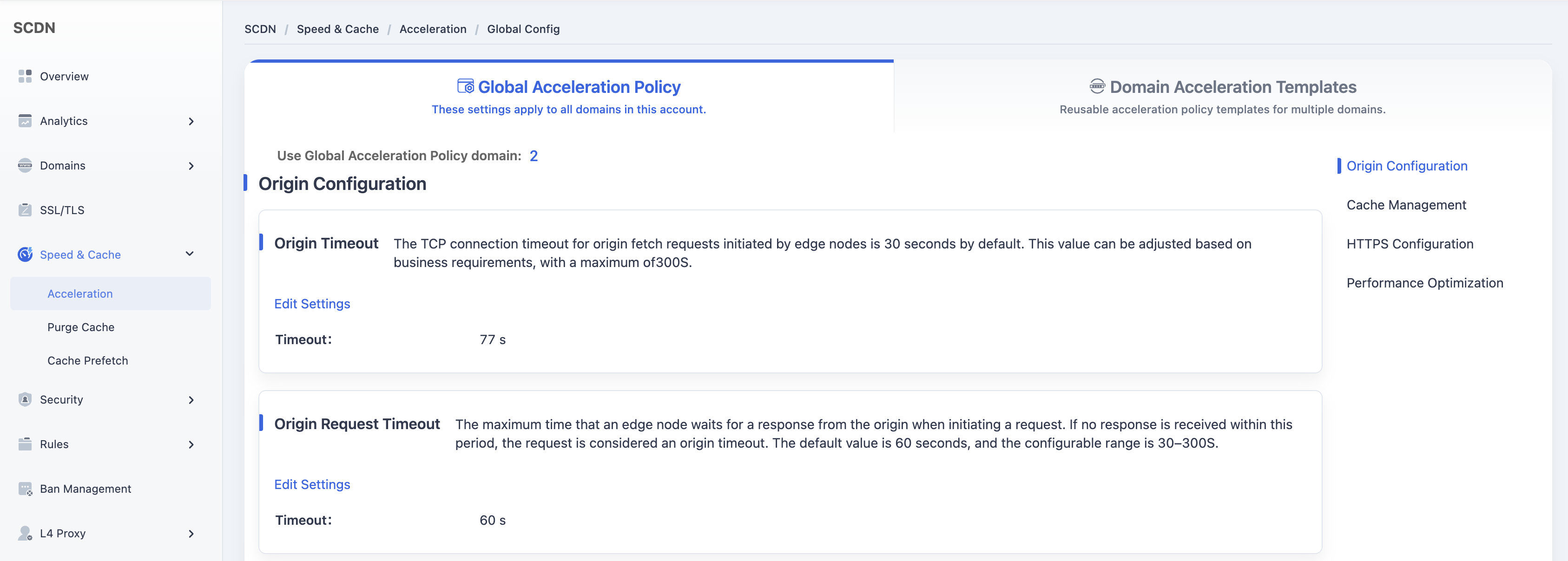
Scroll down to the Cache Management – Cookie module.
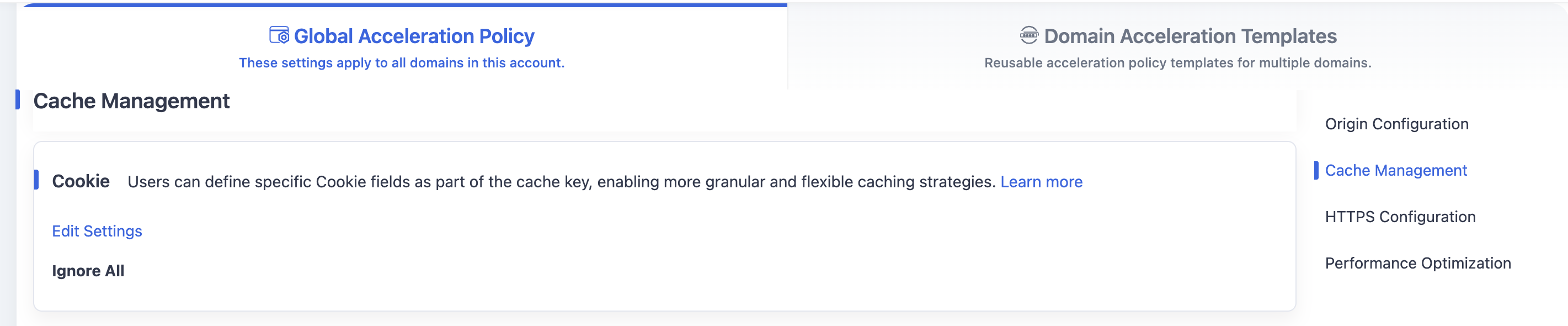
By default, the system uses the Ignore All option.
Click the Edit Settings button to open the Cookie configuration window. Refer to the table above for available options.
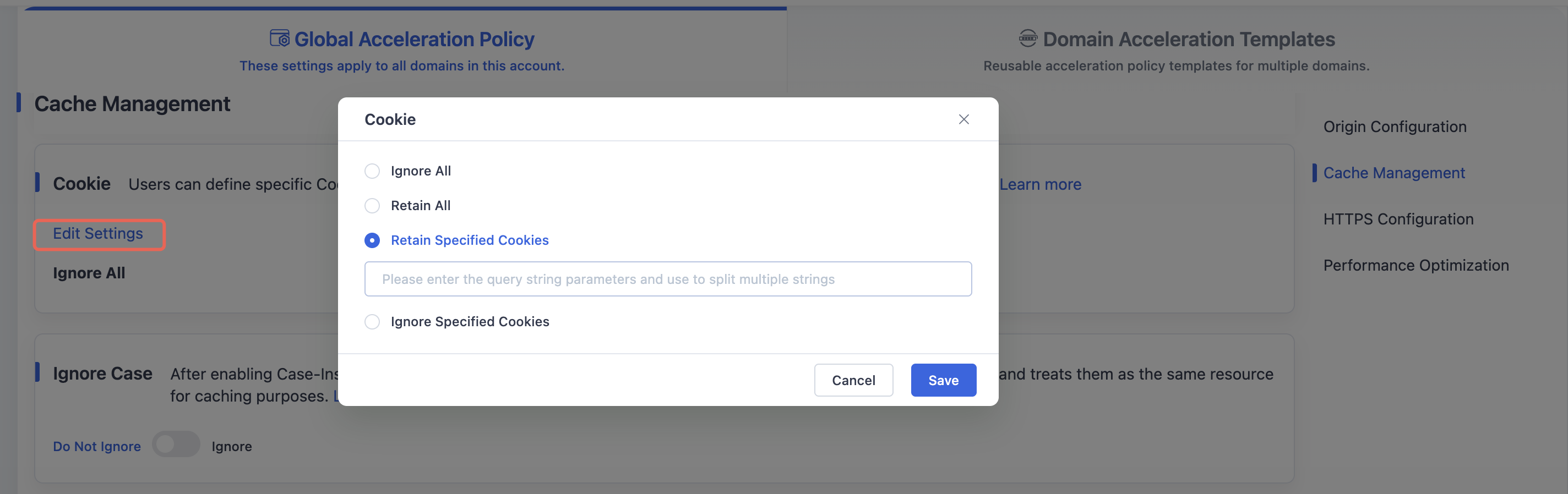
After making changes, click Save to save your global cookie-based cache key configuration.
Need help? Contact our support team at support@edgenext.com.
Back to documentation home