

Ignore Case
When enabled, the Ignore Case feature instructs Security CDN to disregard differences in letter casing in both the URL path and query strings when calculating cache keys. This allows requests with different casing but identical content to be treated as the same resource, thereby improving cache hit rates.
Benefits
- Improves cache hit ratio: Consolidates cache entries for URLs that differ only in letter casing.
- Reduces redundant cache: Prevents multiple cache copies caused by case variations.
- Ideal for case-insensitive scenarios: Suitable for services where URLs are case-insensitive, such as API requests, mini programs, and configurable services on most Linux platforms.
Configuration Guide
Log in to the Security CDN console.
In the left navigation panel, go to Speed & Cache, then click Acceleration to access the global configuration page.
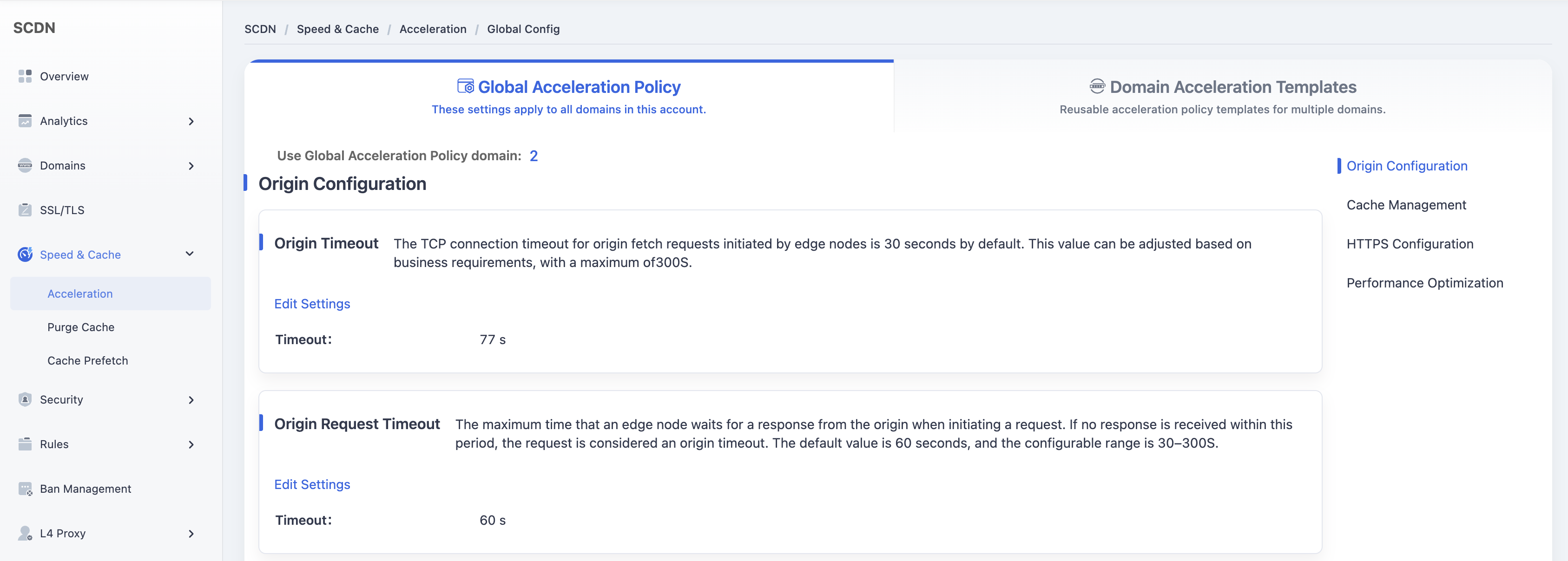
Scroll down to Cache Management – Ignore Case.
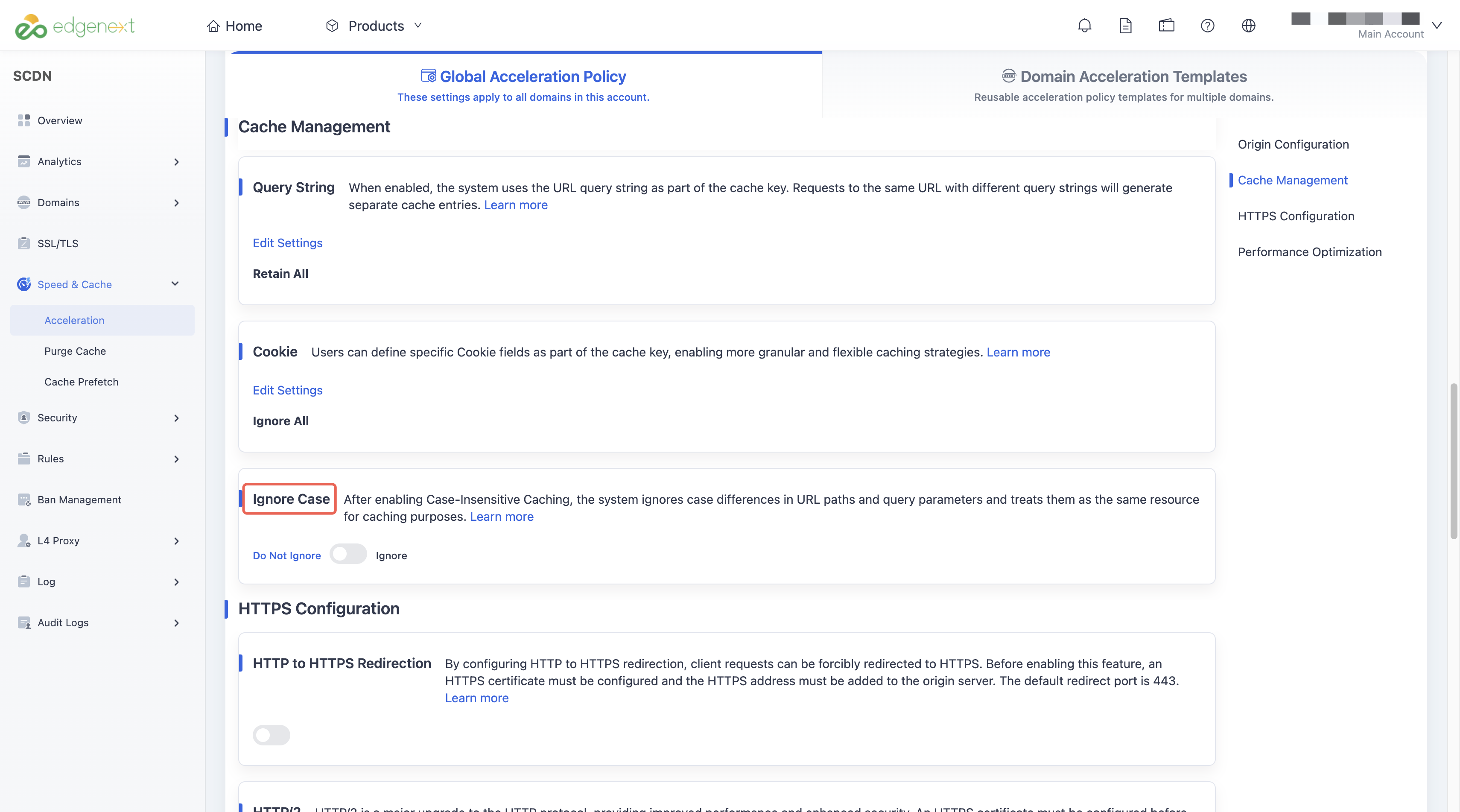
The default setting is OFF.
Click the toggle switch to change the setting. A secondary confirmation dialog will pop up to confirm the operation.
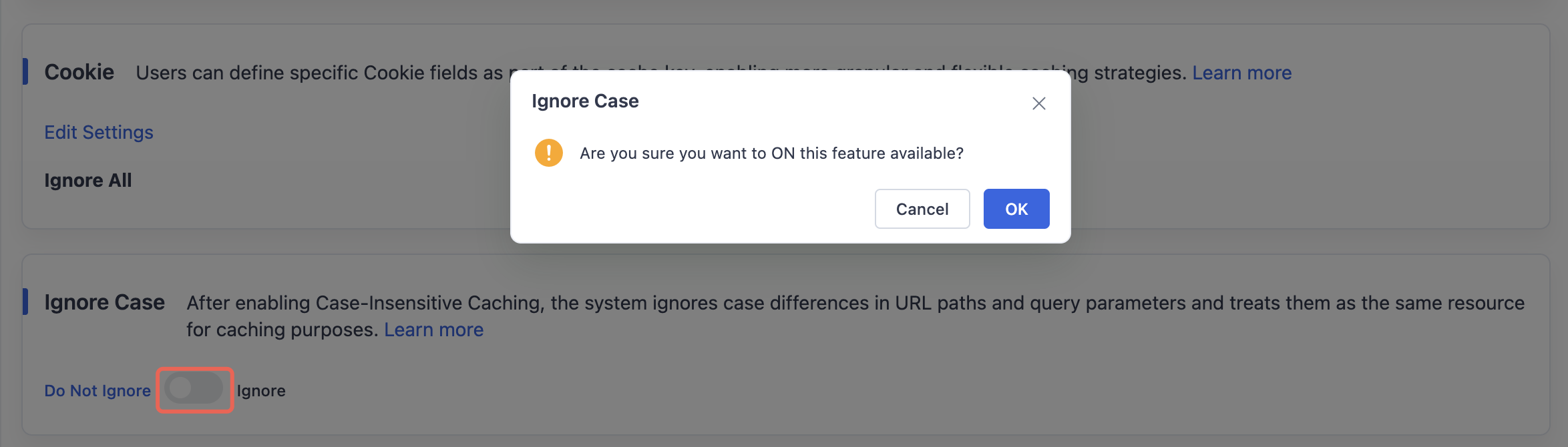
Click OK to enable Ignore Case and save it as the global configuration for all accelerated domains.
Need help? Contact our support team at support@edgenext.com.
Back to documentation home