

CDN
Operation Record
Function Introduction
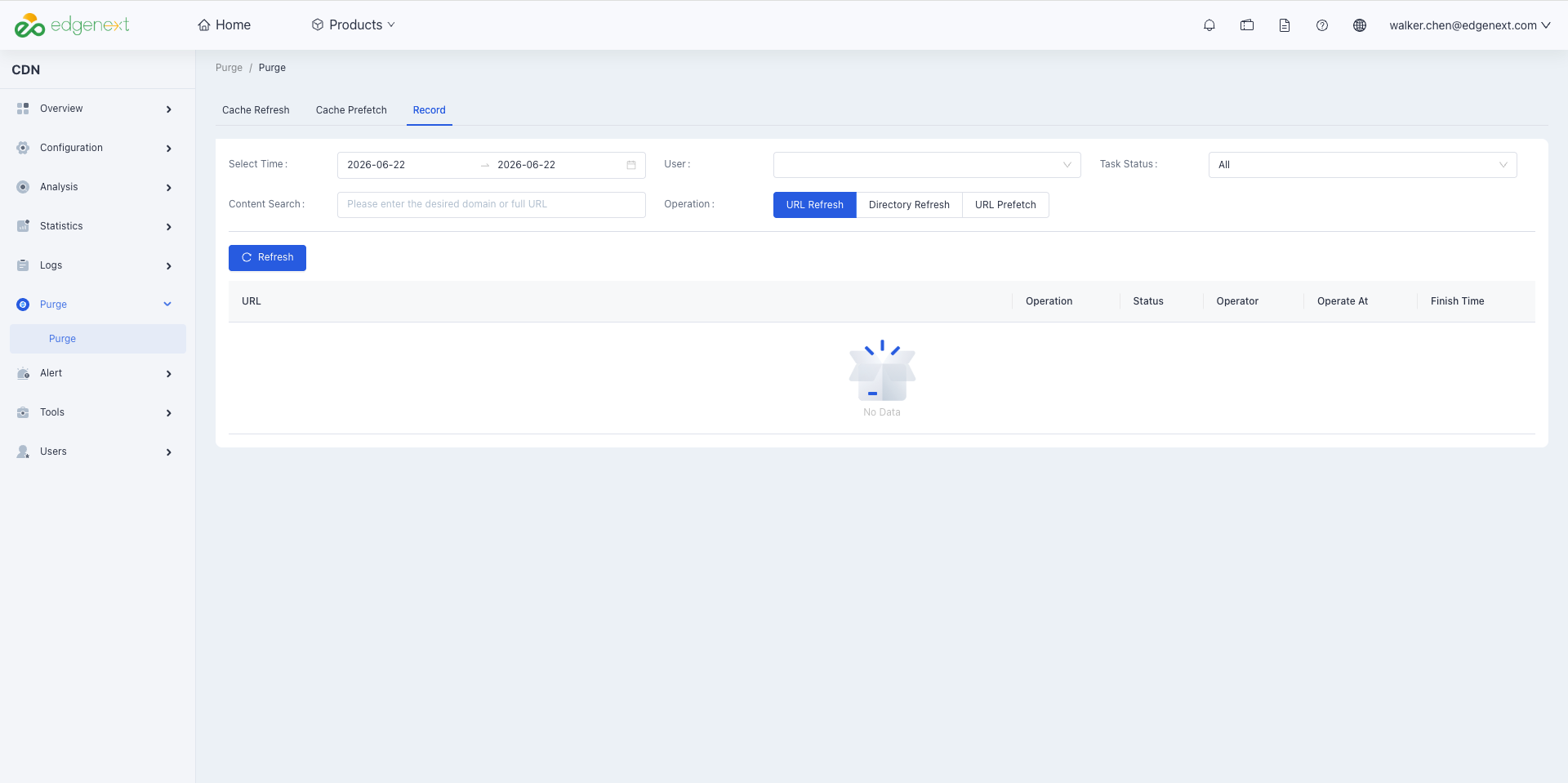
After submitting tasks for file refresh and file preheating, you can set conditions as needed on the Operation Records page to query and view the detailed records and status of resource refresh and preheating.
Operation Guide
Usage Method
- Log in to the EdgeNext CDN Console, click [Purge] in the left-side directory, and then click [Record].
- It supports conditional query via fields including date time period, user, task status, and content; alternatively, you can enter the complete refresh URL/directory for query.
Need help? Contact our support team at support@edgenext.com.
Back to documentation home