

Log Download
Log Download
Function Introduction
After a domain is connected to the Content Delivery Network (CDN), all resource requests from the user side will be dispatched to CDN nodes for response. If a node has cached the resource, it will return the content directly; if none of the CDN nodes have cached the resource, the request will be transparently transmitted to the origin server configured for the domain to pull the required resource.
Since CDN nodes respond to the vast majority of user requests, to facilitate customers' analysis of user access, CDN packages global access logs on a daily basis by default, stores them for 30 days by default, and provides a download service.
Applicable Scenarios
Access Behavior Analysis
Customers can download access logs to conduct analysis of popular resources, active users, etc., according to their own needs.
Service Quality Monitoring
By downloading access logs, customers can grasp the service status of all CDN nodes and calculate indicators such as average response time and average download speed.
Operation Guide
Usage Method
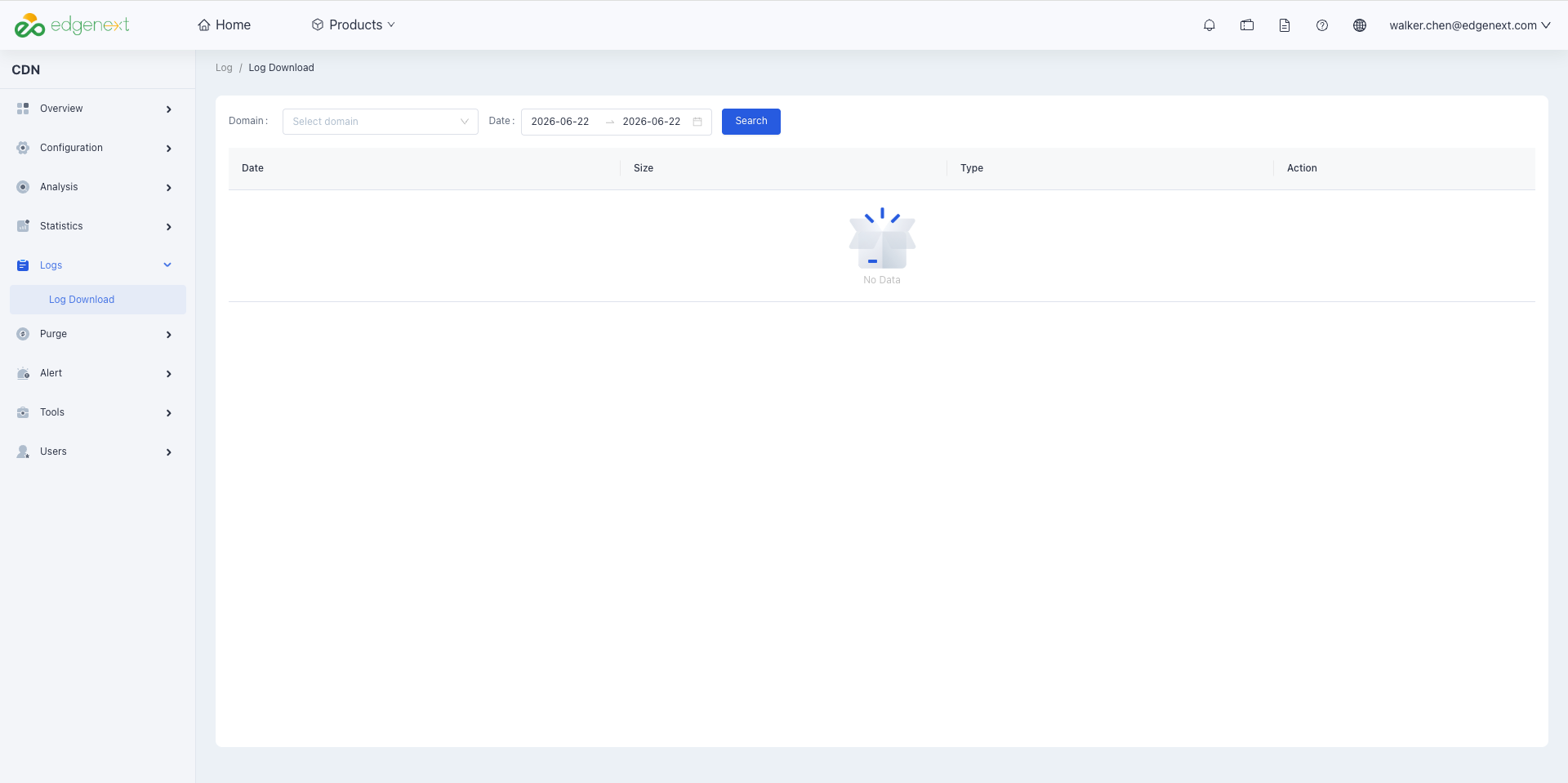
Log in to the CDN console, click [Log] in the left-side directory, select the domain and time to query access logs, and download the log file package to the local device.
Notes:
- Access logs are packaged by day by default. If there are no requests for the domain on a certain day, no log package for that time period will be generated.
- Overseas access logs and domestic access logs of the same domain are packaged together, and the naming format of the log data package is "Time.gz".
- Access logs are collected from various CDN acceleration nodes, so there are differences in latency. Under normal circumstances, the latency for querying and downloading log packages is about 1 hour. Log packages will be continuously appended and generally stabilize in about 48 hours.
- Historical access logs of a domain only retain log packages within 30 days. If you have other log-related requirements, you can contact customer service for configuration.
Field Description
The order (from left to right) and meanings of the corresponding fields in the log are shown in the following table, with spaces as the field separators.
Example: 8.210.12.33 a.test.EdgeNextcdnx.cn text/html [04/Oct/2021:05:02:37 +0800] "GET http://a.test.EdgeNextcdnx.cn/ HTTP/1.1" 504 719 - fasthttp
| Field Order | Log Content |
|---|---|
| 1 | Client IP |
| 2 | domain |
| 3 | Requested File Type: content-type |
| 4 | Request Time |
| 5 | Time Zone |
| 6 | HTTP Method |
| 7 | Complete Request URL |
| 8 | HTTP Protocol Identifier |
| 9 | HTTP Code |
| 10 | Byte Size of This Access (including the size of the file itself and the size of the request header) |
| 11 | Referer Information |
| 12 | User-Agent Information |
Precautions
The traffic/bandwidth data calculated by counting the number of bytes recorded in the 10th field of the access log is inconsistent with the CDN billing traffic/bandwidth data. The reasons are as follows:
- Only application layer data can be recorded in access logs. In actual network transmission, the generated network traffic is 5% - 15% more than pure application layer traffic, which consists of two parts:
- TCP/IP header overhead: For HTTP requests based on the TCP/IP protocol, the maximum size of each packet is 1500 bytes, including a 40-byte header for the TCP and IP protocols. The header part generates traffic but cannot be counted by the application layer, and this part of the overhead is approximately 3%.
- TCP retransmission: During normal network transmission, about 3% - 10% of the sent network packets are lost on the Internet. After loss, the server will retransmit the lost parts. This part of the traffic cannot be counted by the application layer, accounting for about 3% - 7%.
- In industry standards, billing traffic is generally calculated by adding the above overhead to the application layer traffic. EdgeNext CDN takes 10%, so the monitored traffic is about 110% of the traffic calculated from logs.
Need help? Contact our support team at support@edgenext.com.
Back to documentation home