

DNS
Operation Log
Operation Log
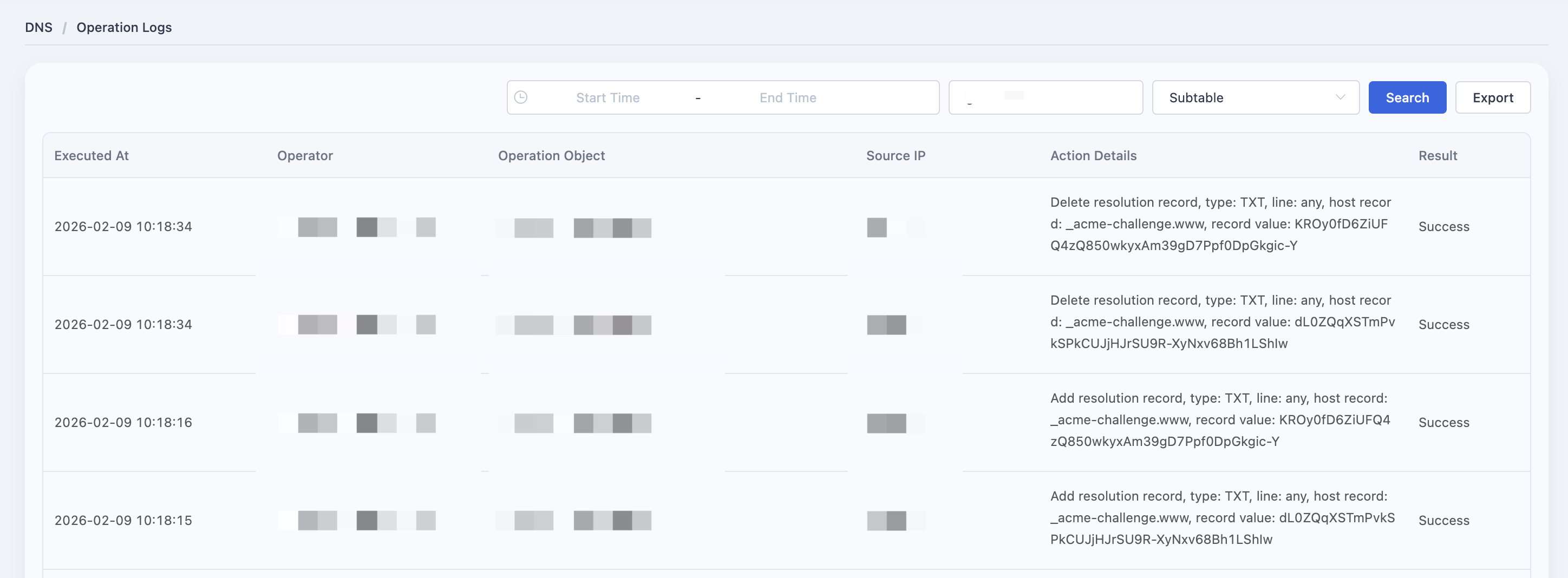
Login to the EdgeNext console -> Select ‘Products->Security Acceleration Services->DNS Security’ on the top of home page.Select the ’Operation Log’ .
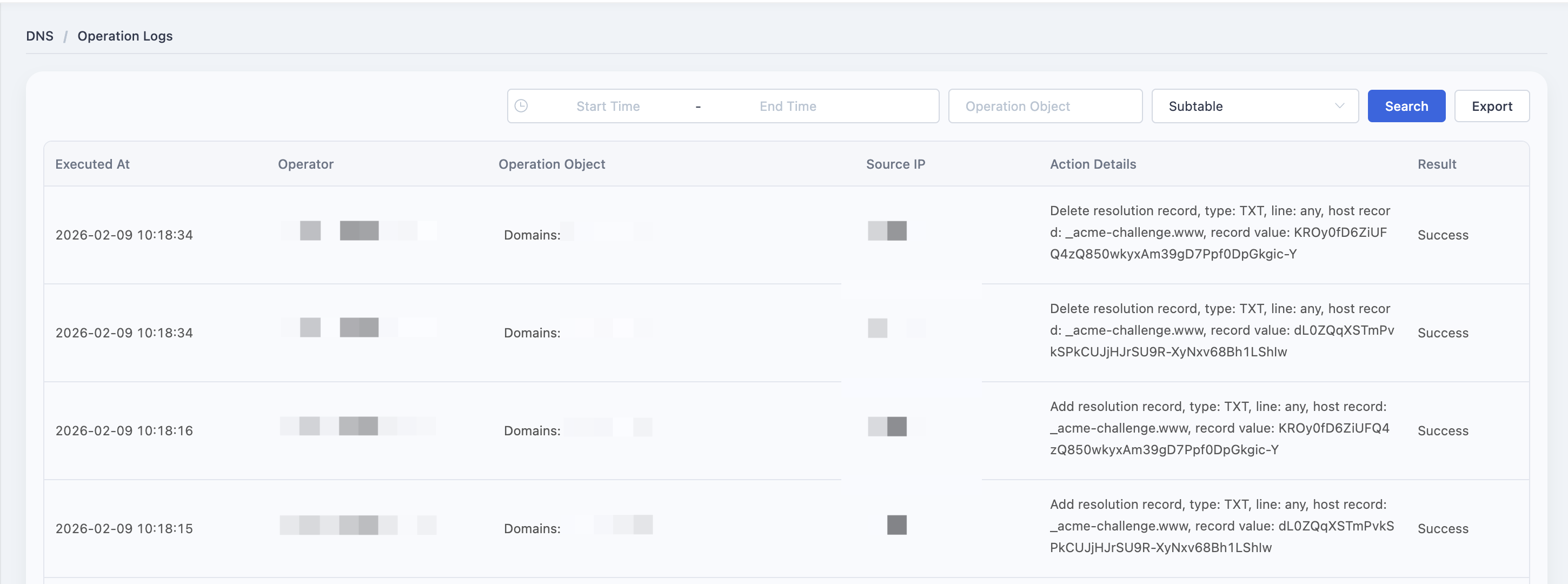
Date Range Query
Support select a date to view the date within certain limits of operation record.
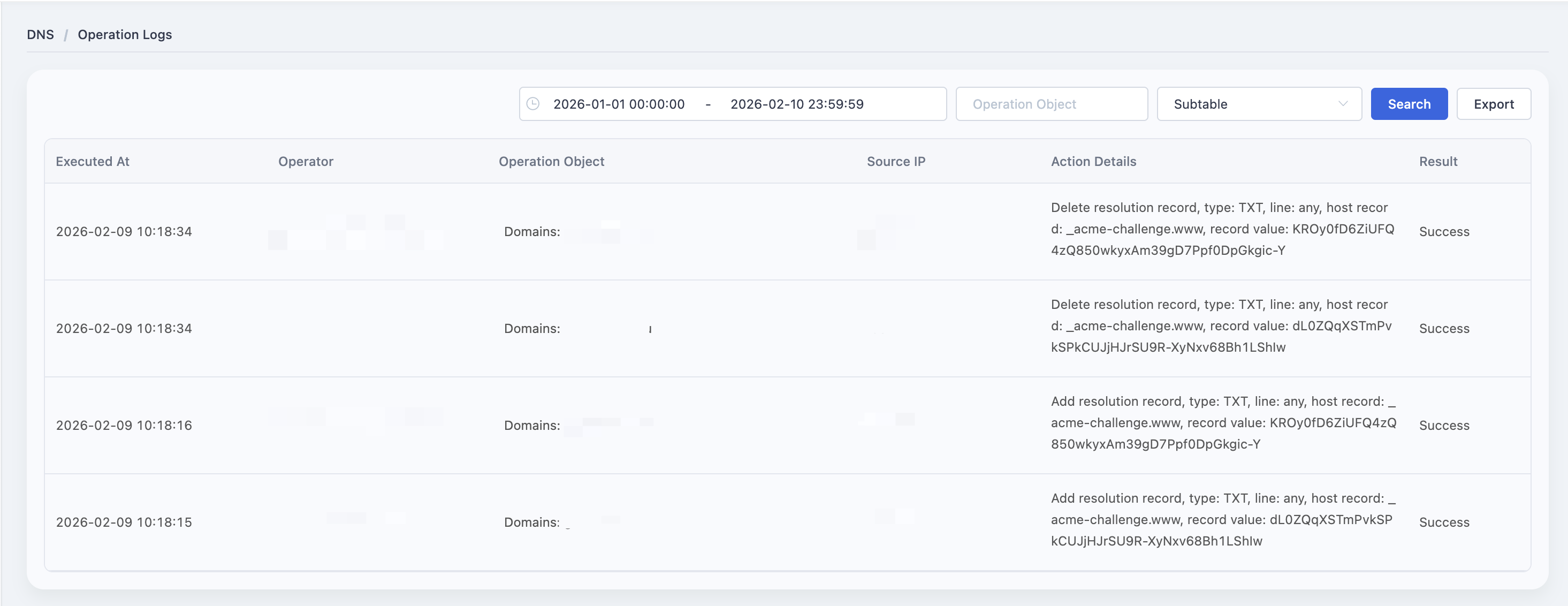
Keyword Query
Input keywords and then click the "query" to view operation records containing this keyword.
Need help? Contact our support team at support@edgenext.com.
Back to documentation home