

CDN
Login console
Configuration Guide
- Open your browser and enter
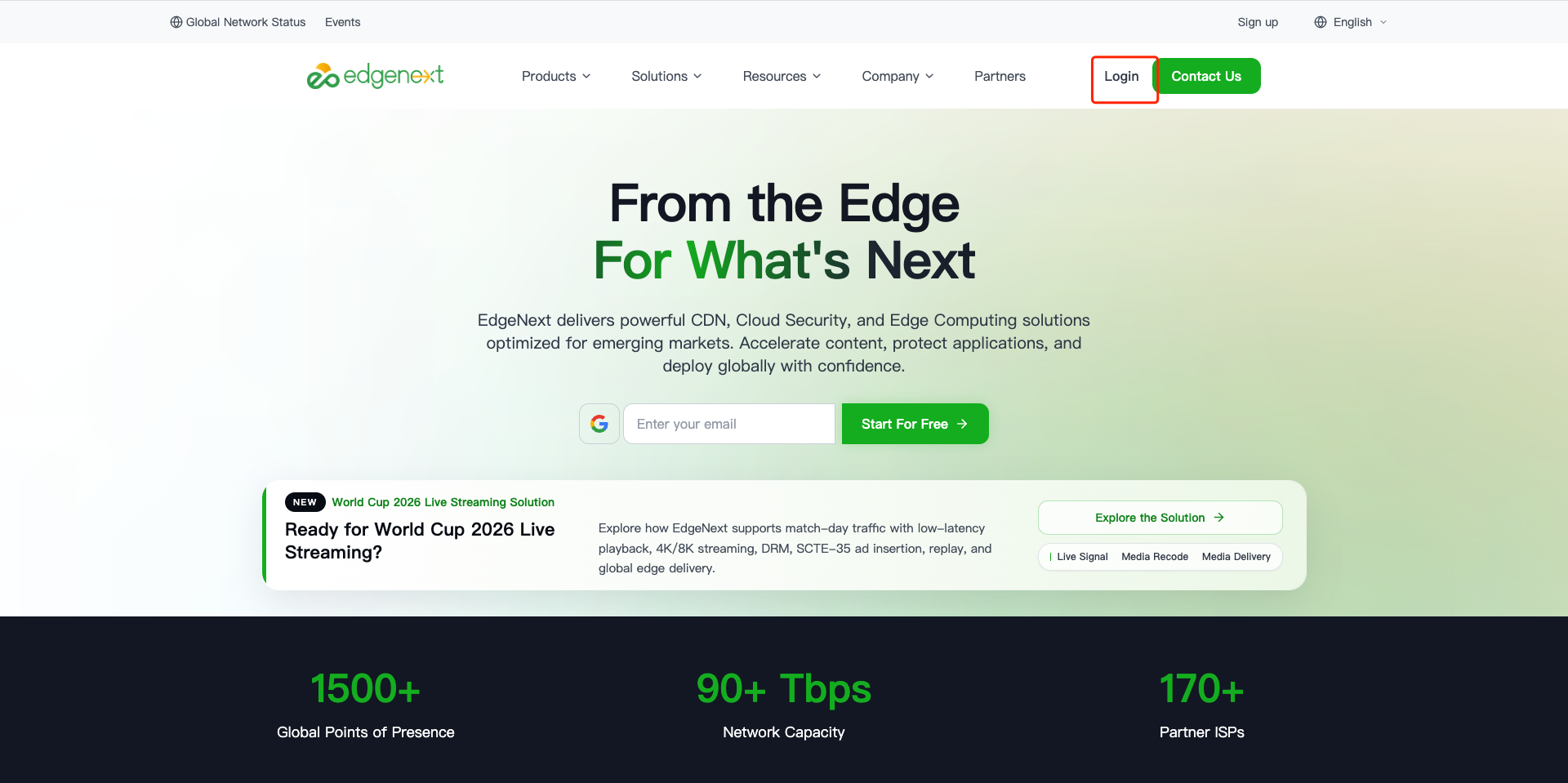
https://www.edgenext.com/to access the EdgeNext official website; - Click the "Login" option in the upper right corner of the official website homepage;
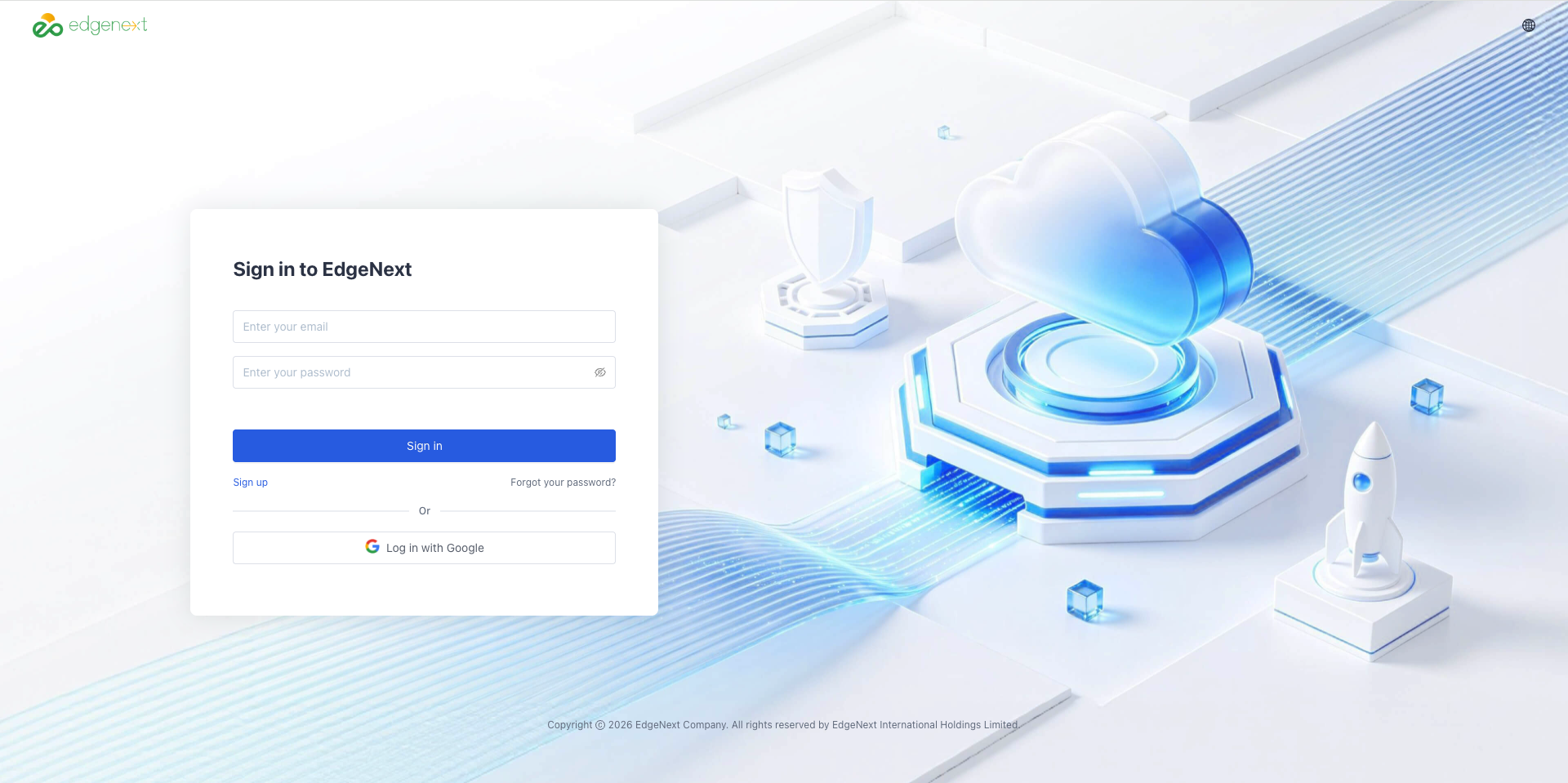
- Enter your console account and password (existing users of the original CDN platform can directly reuse their account and password);
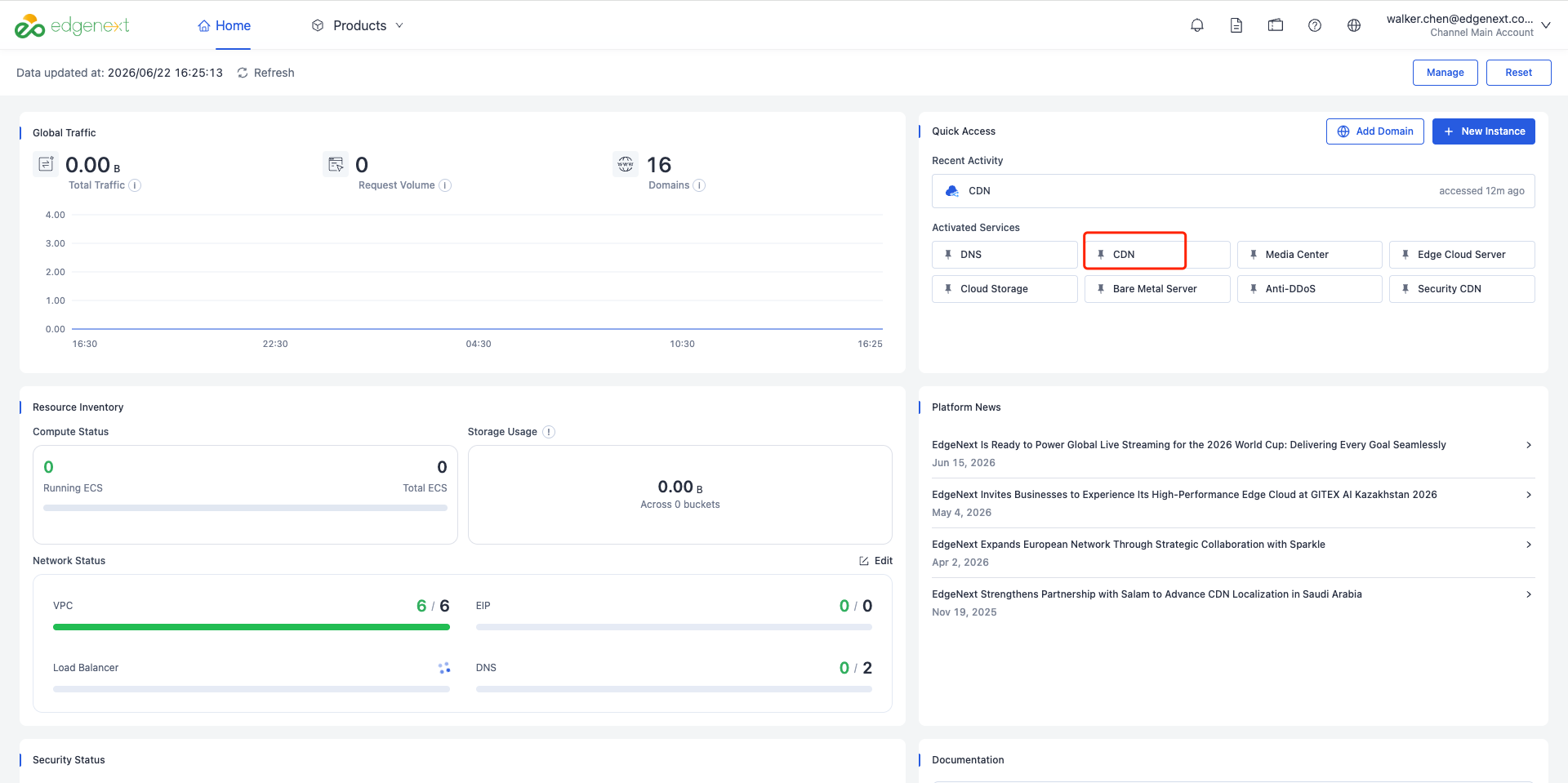
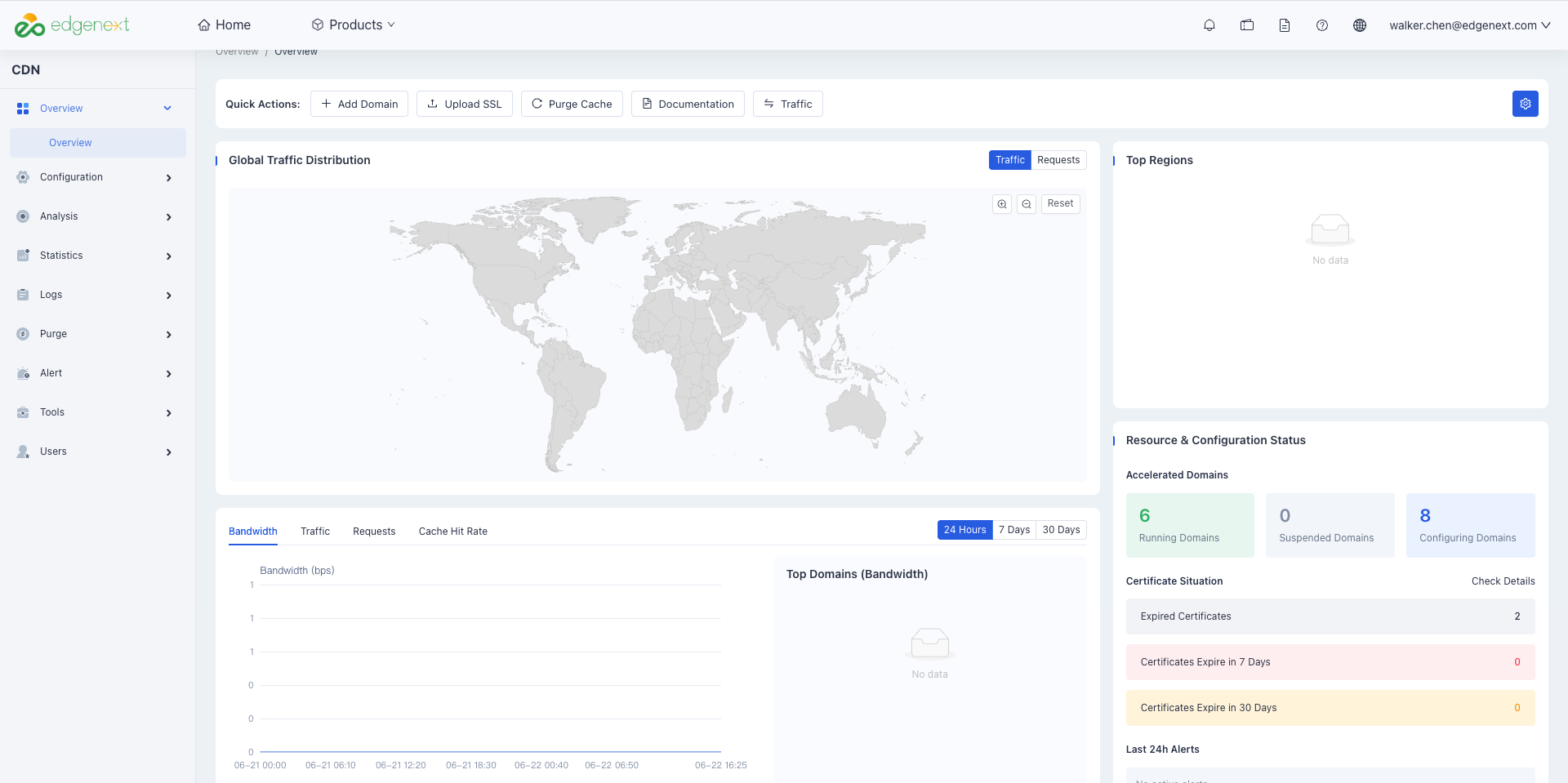
- After logging in, click the [CDN] option to enter the target operation console.
Need help? Contact our support team at support@edgenext.com.
Back to documentation home